Ergonomic keyboards are no longer a niche product for office wellness programs. They have become a serious consideration for anyone who spends extended hours at a computer, from remote workers to dedicated gamers.
The core problem with most standard keyboards is positional. When typing on a conventional layout, wrists angle inward toward the body, placing sustained stress on tendons and joints. Over months and years, that adds up. Ergonomic designs address this by repositioning the key clusters to allow the wrists and shoulders to sit more naturally.
The Main Categories
The most common ergonomic keyboard types break into three groups: angled keyboards, split keyboards, and ortholinear keyboards. Each takes a different approach to the same underlying goal.
Angled keyboards, widely called “Alice”-style boards in the mechanical keyboard community, take their name from the TGR Alice. They split the alphanumeric keys along the center and angle the two halves away from each other, while keeping modifier keys like backspace, enter, and shift in their standard positions. Critically, the two halves remain within a single case. The board is not physically divided.
Split keyboards go further. They cut the entire keyboard into two independent halves that can be repositioned freely, placed wide apart, or angled individually. Some connect via cable; others link wirelessly. The flexibility allows users to customize spacing to match their shoulder width precisely, and in some setups, one half can be used independently for gaming.
Ortholinear keyboards take a different approach entirely. On a standard board, keys are staggered diagonally. On an ortholinear layout, keys sit on a perfect grid. The adjustment period is real, but the design theoretically lets fingers travel directly up and down between rows rather than at an angle. Some keyboards, like the Naya Create, use nonstandard staggering as an alternative middle path.

Who Benefits Most
Anyone can notice the difference when switching to an ergonomic layout. The gains are most significant for people logging multiple hours of typing daily. The repetitive, fixed-position nature of keyboard use compounds strain over time, particularly across the wrists, hands, and shoulders.
The ergonomic argument is not about immediate comfort alone. It is about reducing cumulative physical cost over thousands of hours of use.
The Broader Ecosystem
A keyboard is rarely used in isolation. To get the full benefit of an ergonomic setup, the surrounding workspace matters. Pairing a well-designed keyboard with a supportive office chair and a properly positioned mouse significantly reduces the overall strain a desk worker experiences throughout the day.
For those who find that ergonomic layouts feel too unfamiliar, traditional keyboards with high-quality construction remain a practical option. The range of available products now covers most preferences, price points, and use cases.
- Alice-style boards: angled layout, single unified case
- Split keyboards: two fully independent halves, cable or wireless
- Ortholinear boards: grid-aligned keys, steeper learning curve
The market for ergonomic input devices has matured considerably. The options available today reflect real engineering attention to how humans actually use computers, not just how keyboards have traditionally been built.
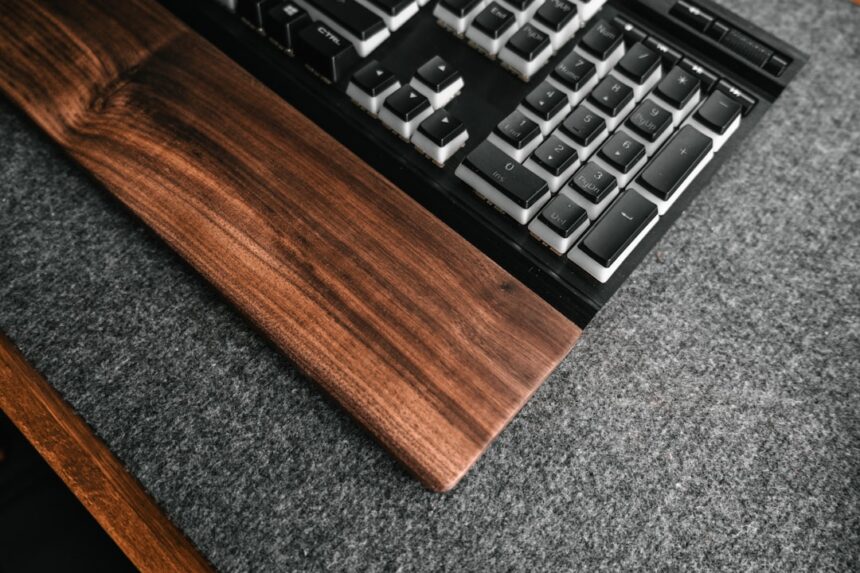
Photo by Amr Taha™ on Unsplash
This article is a curated summary based on third-party sources. Source: Read the original article