The weakest link decides everything. It doesn’t matter if you run Cat 7 cable from your router to a switch if the port on your laptop caps out at 1 Gbps. Every device in the chain — the router port, the cable, the switch, the receiving device — must be rated at the same speed, or the slowest one sets the ceiling.
That single constraint shapes every decision in a home Ethernet installation, according to the guide.
Picking the Right Cable
Cable categories are where most people overspend or underspend. Cat 5e and Cat 6 handle up to 1 Gbps — sufficient for most households today. But the guide recommends stepping up to Cat 6a or Cat 7 for main runs, like the line between a router and a switch. Those cables support up to 10 Gbps, and the price gap is modest. Cat 7a and Cat 8, rated for 40 Gbps, are described as overkill for average home use and typically far more expensive.
Shielding is a secondary consideration. Most cables use Unshielded Twisted Pair, which works fine in homes where cable runs don’t pass alongside power lines. Shielded cables — Shielded Twisted Pair or Foiled Twisted Pair — reduce interference but are less flexible and more prone to damage during installation. For most home runs, unshielded is the practical choice.
Cable shape matters too. Flat cables are more susceptible to interference and physical damage. The guide notes, based on direct experience, that flat cables have caused more problems than standard round ones. Sharp kinks and heavy foot traffic damage any cable, but flat designs are more vulnerable to both.
On brands: Cable Matters, Monoprice, and Amazon Basics are all cited as reliable without requiring premium spending. A basic Amazon Basics RJ45 Cat 6 patch cable runs around $7.

Switches, Routes, and Hiding the Mess
Routers and mesh systems offer a limited number of ports. An Ethernet switch multiplies that capacity. Unmanaged switches — plug-and-play, no configuration — are adequate for home networks. A Netgear 5-Port Gigabit Switch (GS305) currently sells for $13 after a 43% discount, and a TP-Link 8-Port Gigabit Switch (TL-SG108) goes for $22. The recommendation is to buy one port more than currently needed. Larger switches with 12 or 24 ports exist, though available bandwidth gets divided across all active ports.
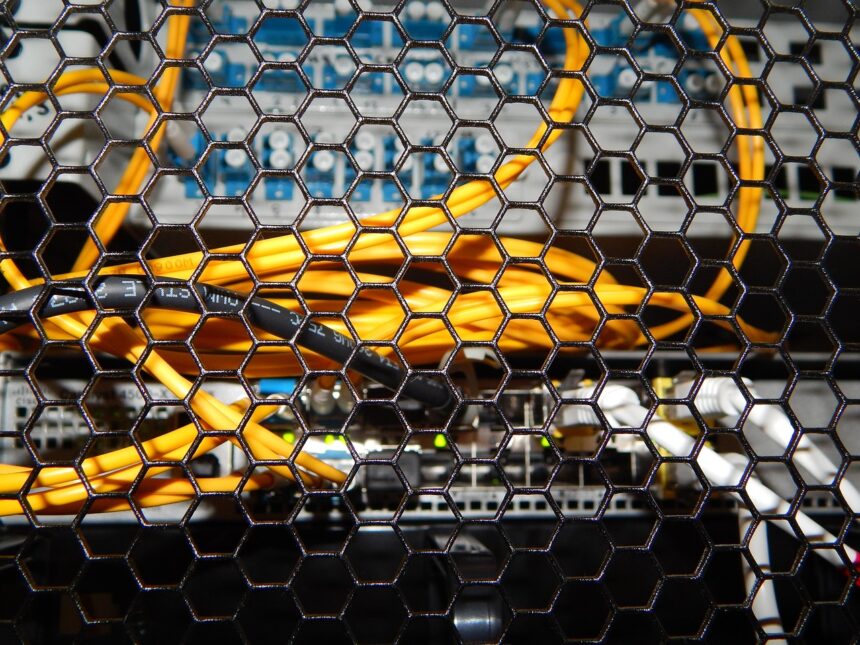
Once cables and hardware are chosen, concealment is the remaining challenge. The guide outlines several approaches: running cables along baseboards, tucking them under carpet or rugs, using cable raceways that mount flush against walls, routing them inside crown molding, or — for a cleaner finish — running them behind walls or under floors entirely. Switches and power strips benefit from the same planning, positioned out of sight but still accessible.
Labeling each cable before it disappears into a wall or raceway saves significant trouble later. A run that makes sense during installation becomes difficult to trace six months afterward without some form of identification at each end.
The incoming internet connection remains the hard cap throughout. A 1 Gbps service plan means no wired setup will push beyond that speed when talking to the outside world — though moving files between devices on the local network can run faster if all the hardware supports it.
Photo by Pixabay
This article is a curated summary based on third-party sources. Source: Read the original article